Guide
How to attend Milan Fashion Week: access and tickets
The right way to attend depends on the appointment. Public access, registration, professional accreditation, invitation-only entry and a paid nightclub ticket are not interchangeable. Start with the organiser’s published conditions for the exact date.
Read the access label before planning
The calendar records what the source says about attendance. An event marked public may still have registration or capacity conditions; one with no published access rule should not be treated as free entry. For a brand show, use the invitation or accreditation process the organiser provides. Nightlife Milan’s calendar is an independent planning guide.
Registration is a step, not always a confirmation
Some public appointments require prior accreditation. In the official programme, NABA and selected Fashion Hub appointments state this condition. Follow the relevant source, choose the correct date or session and keep the confirmation. For professional events, check who is eligible: buyer or press registration is not automatically a visitor ticket.
Treat invitation-only events separately
An invitation can specify a personal guest, arrival time and private venue. Use those instructions and do not assume another person’s ticket, a public map pin or a club reservation gives equivalent access. If the calendar says the location is on the invitation, the practical next step is obtaining the organiser’s confirmation, not choosing a nearby address.
Do not confuse Fashion Week with one ticket
There is no combined ticket sold by this guide for the listed shows, exhibitions and club nights. Each appointment has its own conditions and organiser. Before purchasing, check the event name, date, location and what the product includes. An independent fashion showcase or party should not be mistaken for admission to all CNMI runway shows.
Book the night through the dated event page
Justme, Pineta and Aria event pages explain the relevant admission route and table enquiry. The available ticket products may differ between nights. Use the verified link shown on the exact page; for Aria, do not mistake a table-only affiliate product for an admission ticket. Contact the concierge when price or entry conditions need confirmation.
Keep the proof that applies to your booking
Save the organiser’s invitation, registration or ticket for the fashion appointment. Keep the nightclub booking separately and send any purchase confirmation to the Nightlife Milan concierge on WhatsApp. Ask about changes before travelling. A chat message or a submitted request alone does not confirm availability, admission or a reserved table.
Continue your MFW plan
Questions before you go
Does appearing in the CNMI calendar mean public access?
No. The calendar can include invitation-only appointments and events with registration or accreditation. Check the individual event’s access condition.
Can I buy access to every runway show here?
No. This guide does not sell a universal runway pass or issue brand invitations. Use each organiser’s attendance information.
Can a club booking help me enter a fashion show?
A nightclub reservation and a fashion invitation are separate arrangements. Neither should be represented as granting access to the other.
What should I send for a nightlife enquiry?
Send the specific event, date and group details. If you have purchased an eligible admission product, include the purchase confirmation. Wait for the relevant conditions to be confirmed.
Continue the evening at Justme, Pineta or Aria
Choose a dated club night to fit around your plans. Compare the event, opening time and admission conditions on its own page, then contact the concierge for your reservation request.
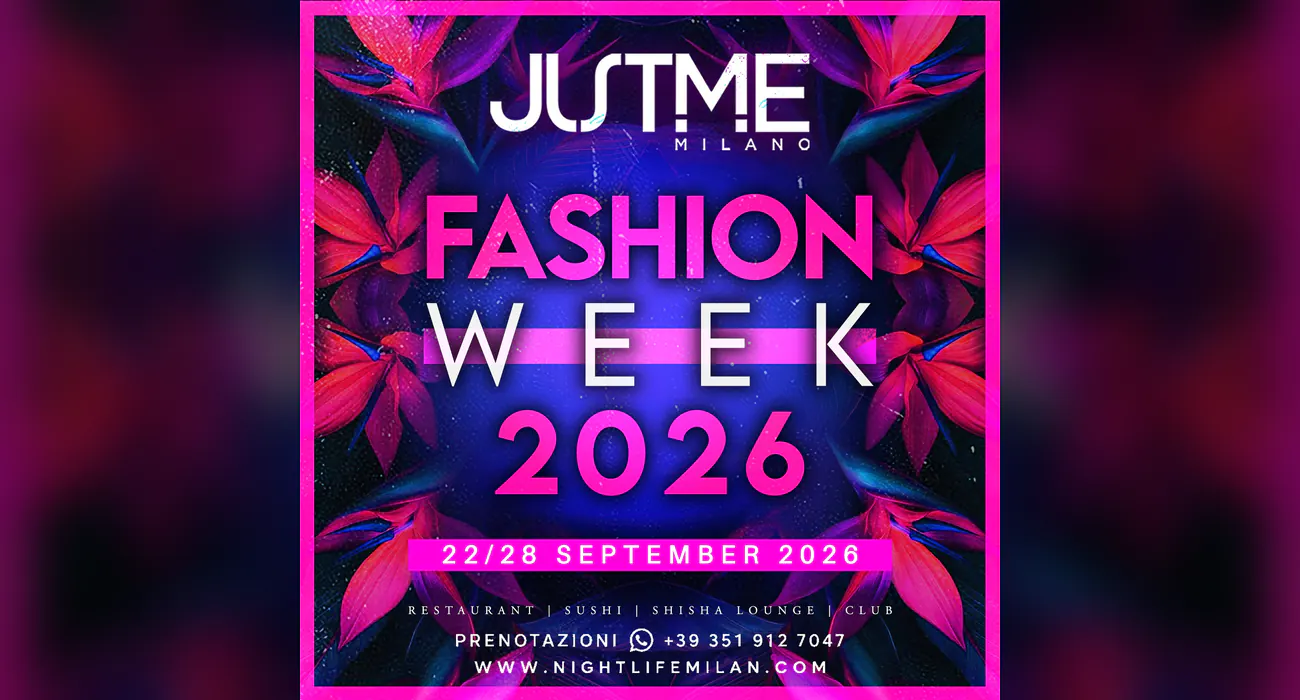 Sep 22, 2026MFW University PartyView the night’s details
 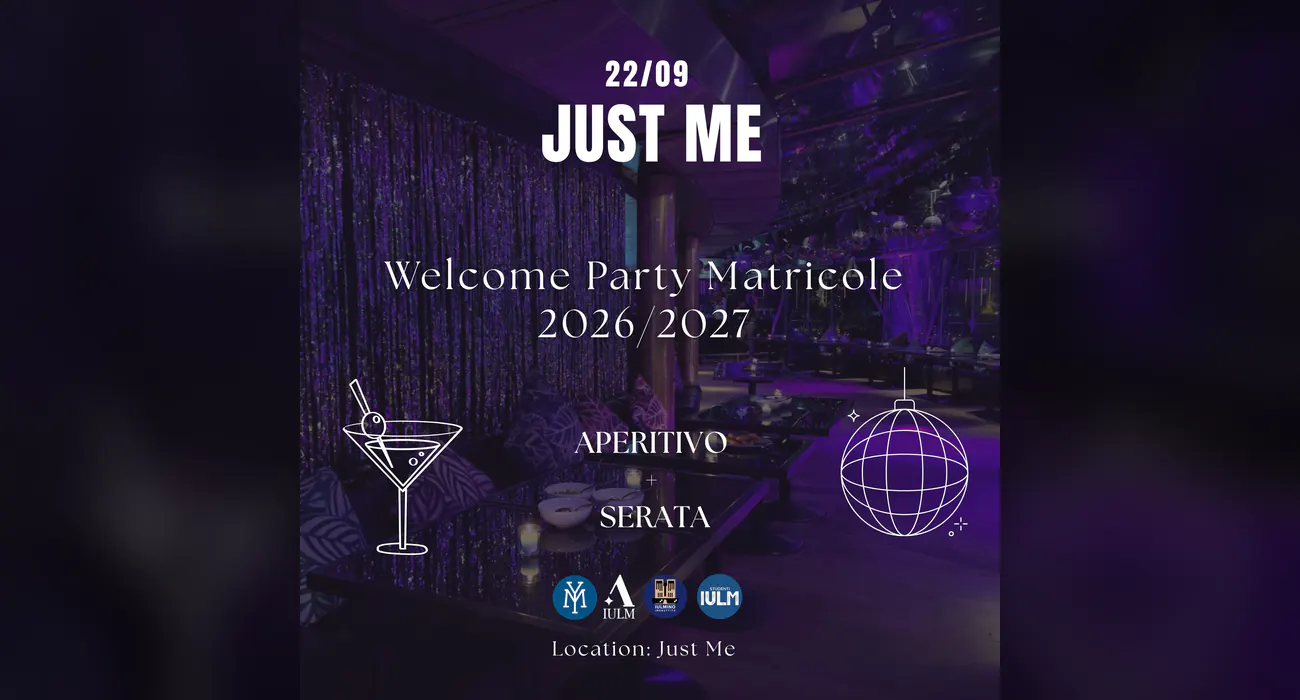 Sep 22, 2026Welcome Party IULM 2026View the night’s details
 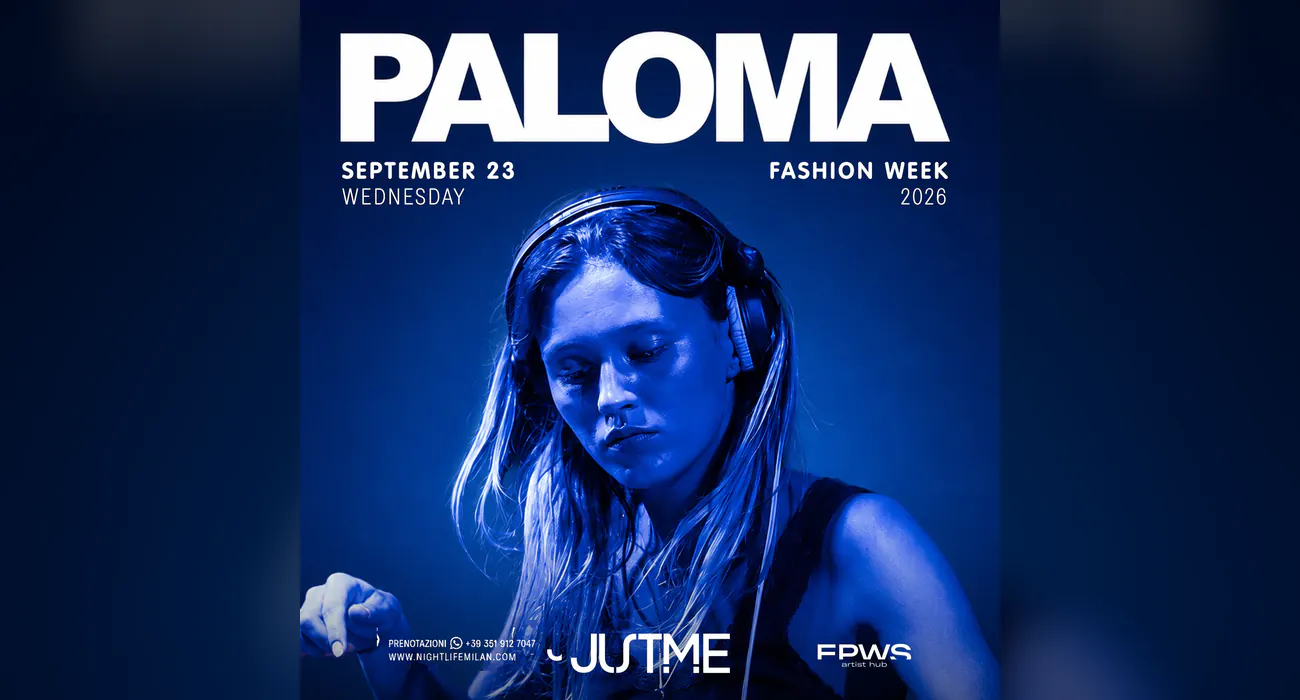 Sep 23, 2026MFW PalomaView the night’s details
 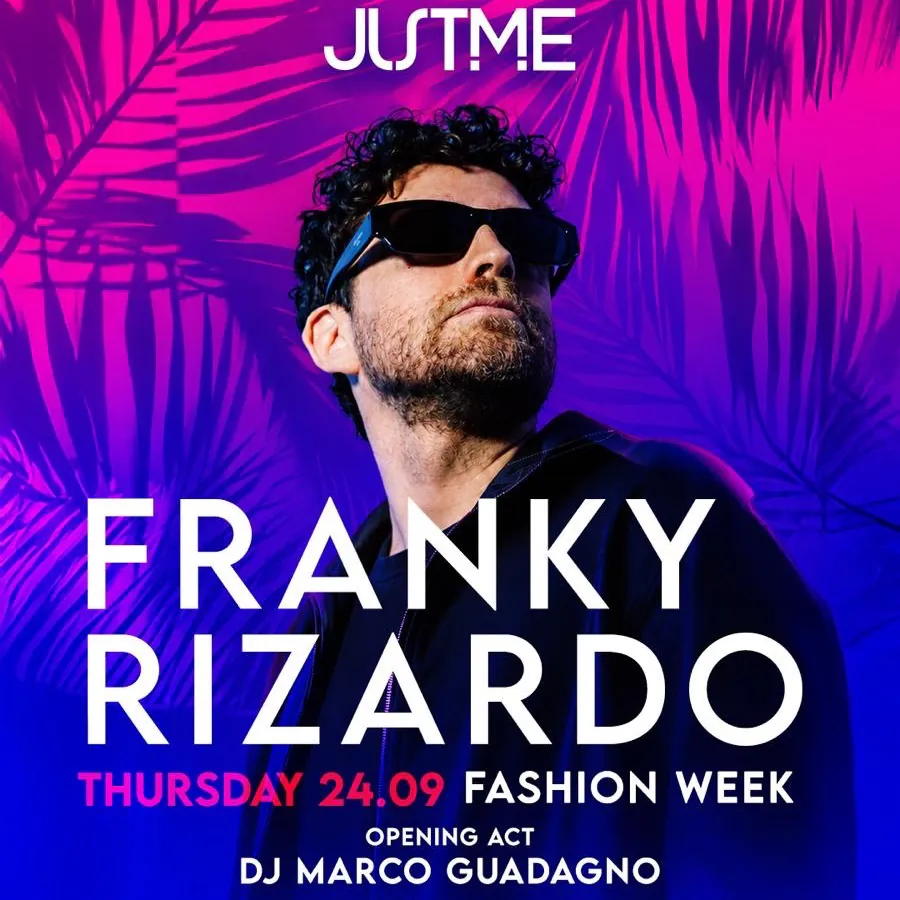 Sep 24, 2026MFW Franky RizardoView the night’s details
 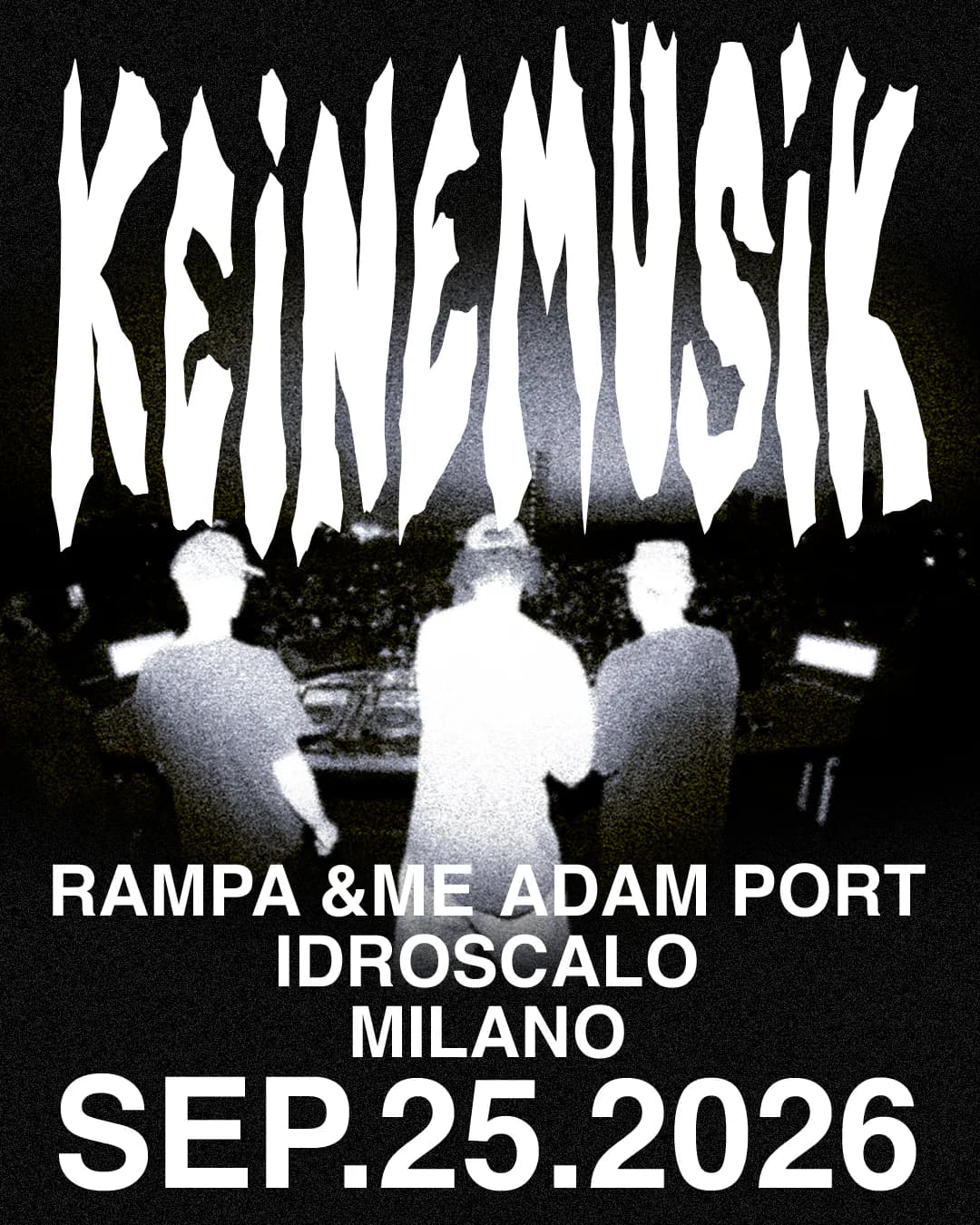 Sep 25, 2026Keinemusik MilanView the night’s details
 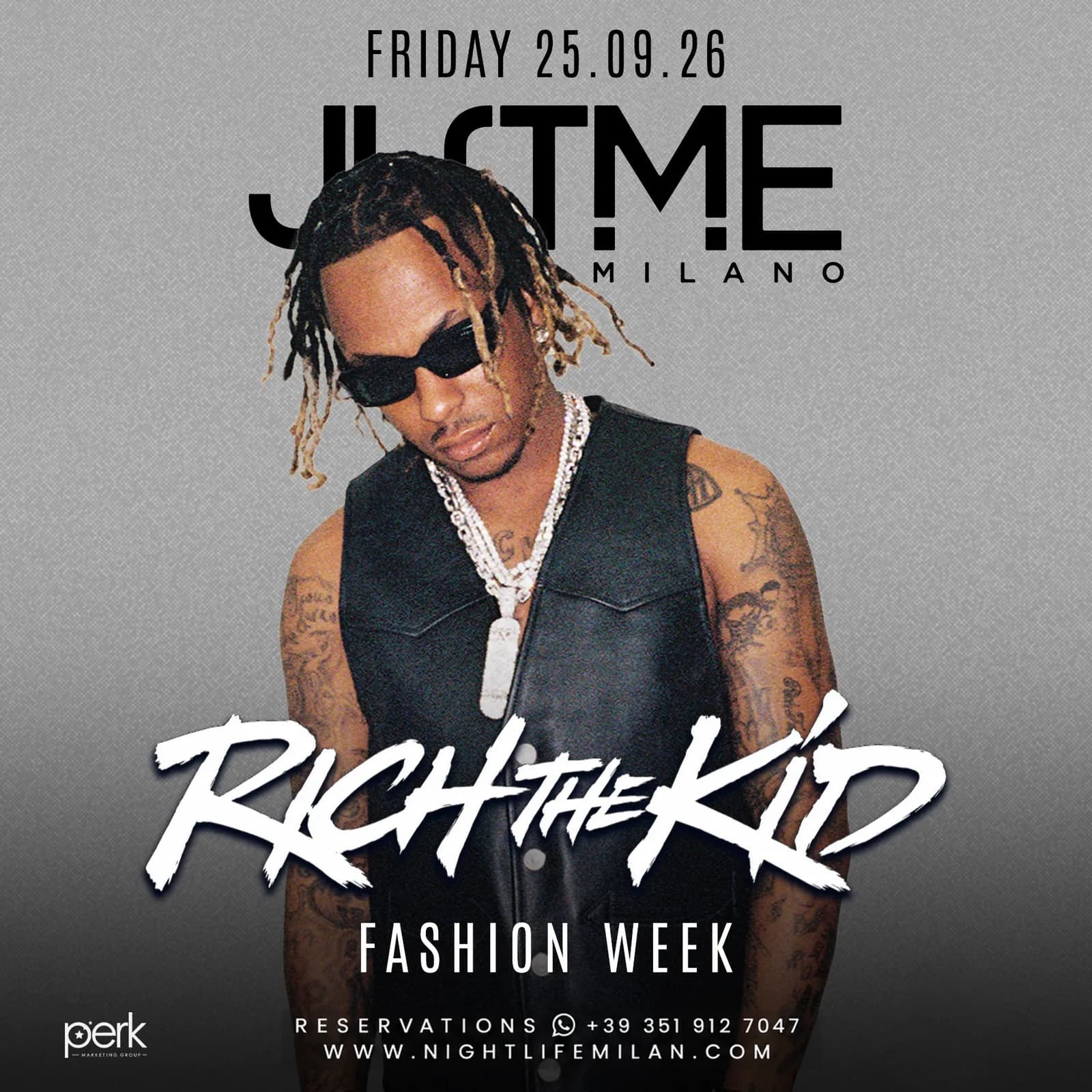 Sep 25, 2026MFW Rich the Kid — JustMe MilanoView the night’s details
  Sep 25, 2026Friday Night — Aria Club MilanoView the night’s details
 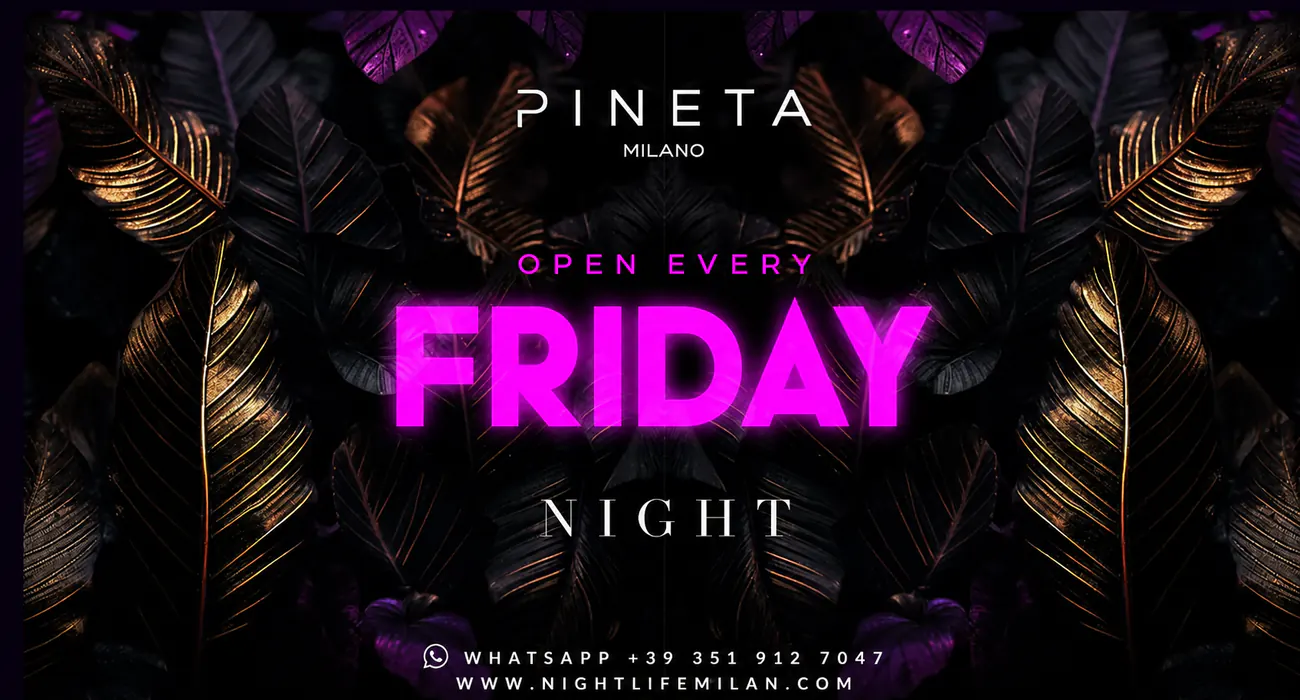 Sep 25, 2026Friday Night — Pineta MilanoView the night’s details
 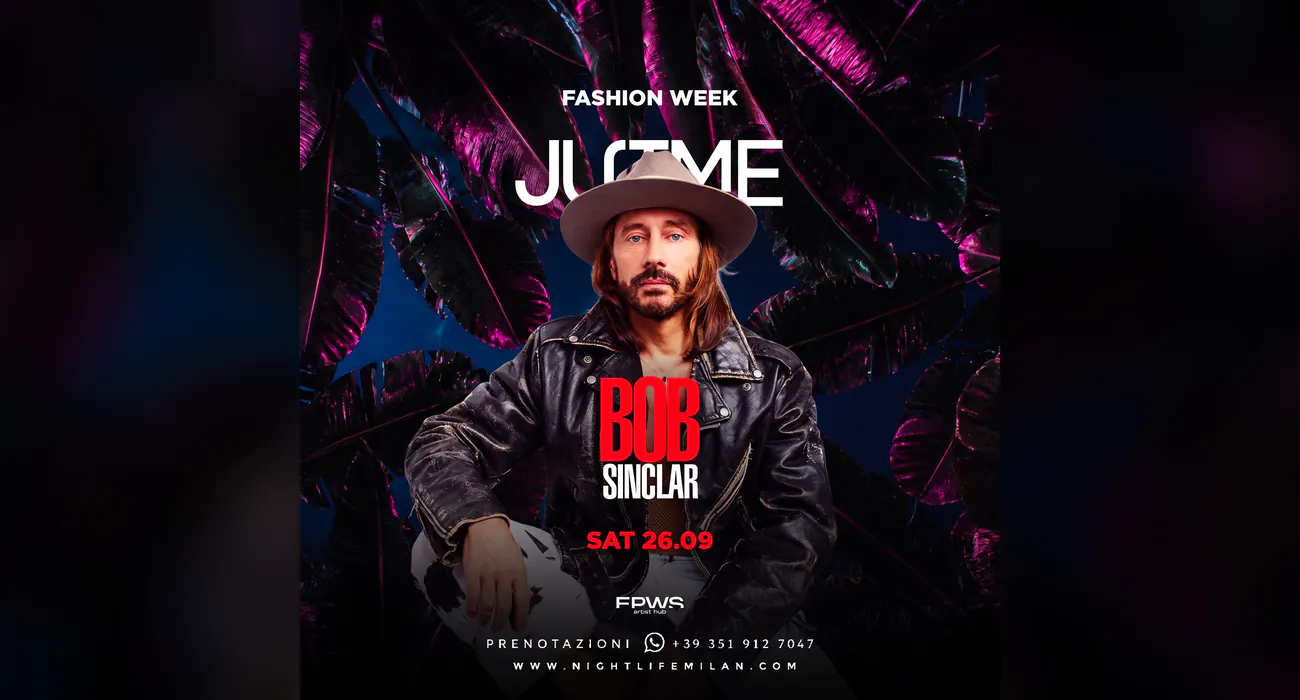 Sep 26, 2026MFW Bob SinclarView the night’s details
 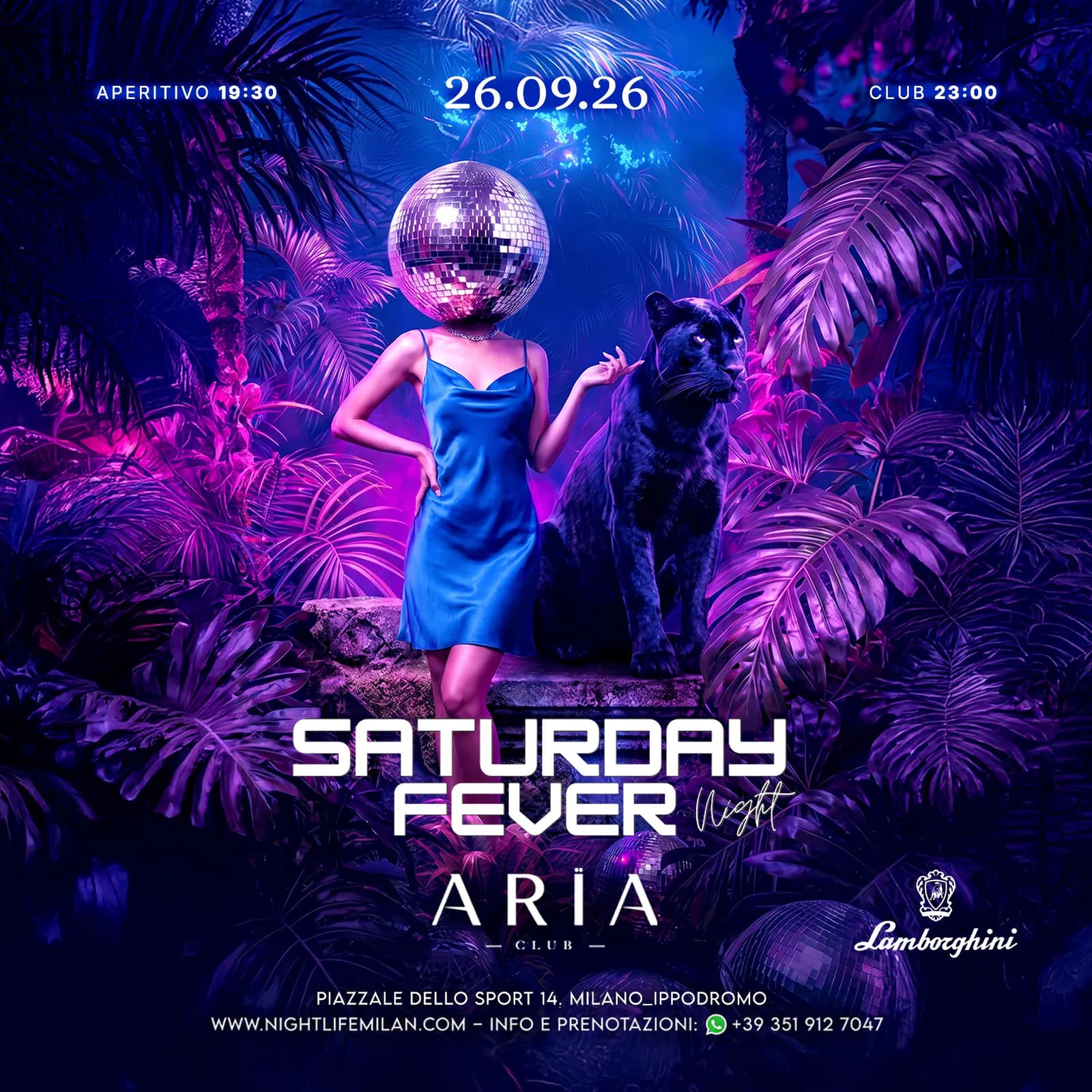 Sep 26, 2026Saturday Night — Aria Club MilanoView the night’s details
  Sep 26, 2026Saturday Night — Pineta MilanoView the night’s details
  Sep 27, 2026MFW Sunday NightView the night’s details
  Sep 28, 2026MFW Monday NightView the night’s details
A message is an enquiry, not a ticket or a confirmed reservation.